A touchpad like on iPhone
Swipe to move around and tap to select. The highlighted item tilts slightly as your finger moves, so you always see what’s selected.
 Telik
English
Telik
English
Telik turns your Android phone into a remote for Apple TV, with the same touchpad and buttons as the remote on iPhone. It works over your home Wi-Fi, so your phone doesn’t need an IR blaster.
Coming soon to Google Play
For Apple TV 4K with the latest tvOS. Android 8.0 or later.
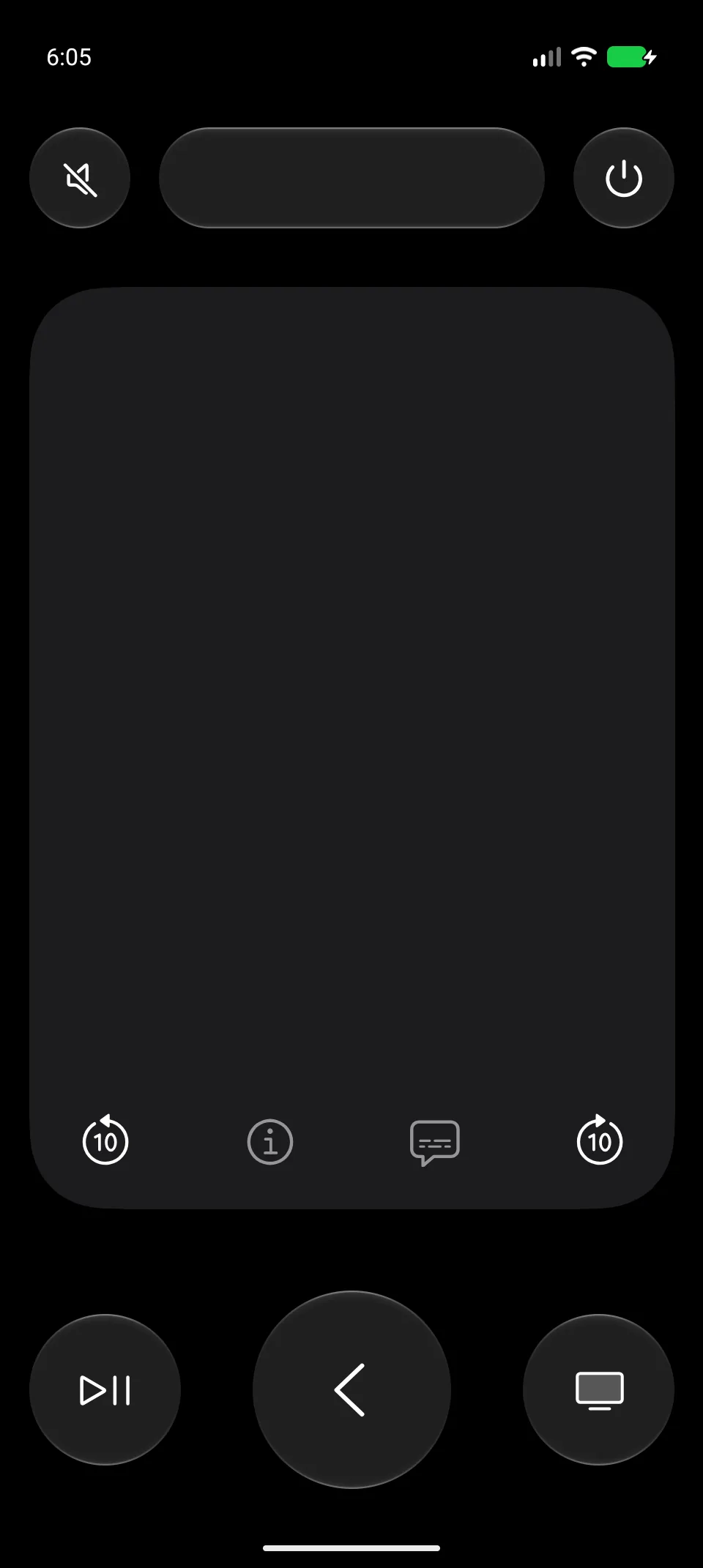
The same layout and the same features as the remote on iPhone, made for Android.
Swipe to move around and tap to select. The highlighted item tilts slightly as your finger moves, so you always see what’s selected.
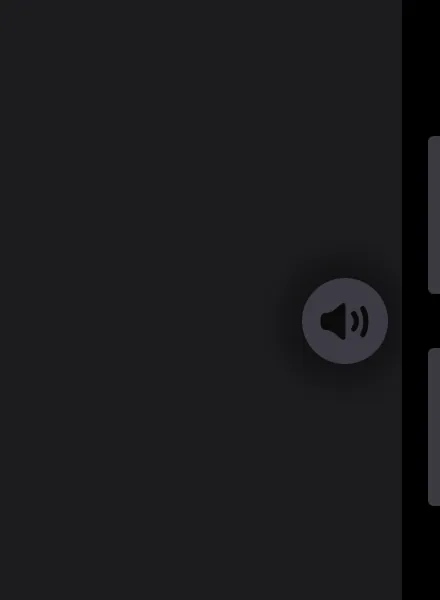
Press the volume buttons on the side of your phone to turn the TV up or down. The TV shows its own volume indicator.
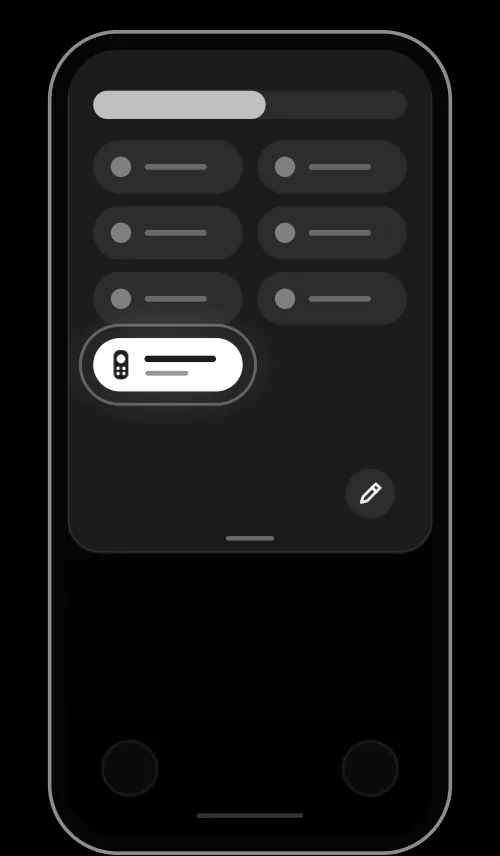
Add Telik to Quick Settings. Swipe down, tap Telik, and the remote opens, even while your phone is locked.
Play/Pause, Back and TV sit at the bottom, within reach of your thumb. While a video plays, skip 10 seconds back or forward and turn on subtitles, if the app on the TV allows it.
Turn the TV sound off with one tap and back on with another.
Tap to open Control Center on the TV. Press and hold to turn the TV off.
When a text field is selected on the TV, your phone’s keyboard opens. Type searches and names on the phone instead of picking letters one by one on the screen.
Tap the TV name at the top of the remote and pick another TV from the list.
Telik works over your home Wi-Fi, so your phone doesn’t need an infrared port, and you don’t have to point it at the TV.
Telik is free to download and free to use, and everything it does today stays free.
No banners and no videos between you and your TV.
No in-app purchases, no subscription and no locked features.
No sign-up and no email address. Install it, pair your TV, done.
No analytics and no tracking. Telik talks only to your TV on your home network.
Get Telik from Google Play on your Android phone.
Keep your phone and Apple TV on the same Wi-Fi network. Telik finds the TV on its own.
The first time, the TV shows a 4-digit code. Type it in Telik right away: the TV waits only about half a minute. After that, Telik connects by itself.
Yes. There are no ads, no in-app purchases and no subscription, and you don’t need an account. Everything Telik does today stays free.
No. Telik controls Apple TV over your home Wi-Fi network, the same way the remote on iPhone does, so it works on phones without an infrared port.
Telik is tested with Apple TV 4K on the latest version of tvOS. Older models and older versions of tvOS have not been tested, so we can’t promise that they work.
Open Telik while your phone is on the same Wi-Fi as the TV, and pick the TV from the list. The TV shows a 4-digit code: type it in Telik right away, because the TV waits only about half a minute. If the code expires, get a new one and try again. You do this only once for each TV.
Telik changes the volume through your Apple TV, which passes it on to your TV or receiver over HDMI-CEC. Make sure HDMI-CEC is on and that your Apple TV controls the volume over it. If the volume can only be changed by infrared, the volume buttons and Mute in Telik won’t work.
Yes. Add Telik to Quick Settings, then swipe down on the lock screen and tap Telik: the remote opens without unlocking the phone. Pairing a new TV or forgetting one works only on an unlocked phone.
None. Telik has no analytics, no ads and no sign-in, and it sends nothing to us. It talks only to your Apple TV on your home network, and the pairing keys are stored encrypted on your phone. The details are in the privacy policy.
Telik talks to the TV over your local network, and Apple can change how that works in any tvOS update. If an update breaks a feature, we will try to fix it in a new version of Telik.
No. Telik is an independent app. It is not affiliated with or endorsed by Apple Inc.
Telik is coming to Google Play soon. It will be free, with no ads and no in-app purchases.
Coming soon to Google Play
Android 8.0 or later. Apple TV 4K with the latest tvOS.